| Edition: Growth, Corporate, Enterprise | Audience: Target Admin |
Export Targets
This article explains how to export targets from using OnPoint.
Steps
- Open OnPoint.
- Select the metric(s) that you want to export the targets from.

- Select the user(s) or group(s) whose targets you’d like to export.

- If you’d like to do this for all users, the easiest method is to select your top level group and pick The Group and all sub-Groups and active users in it.
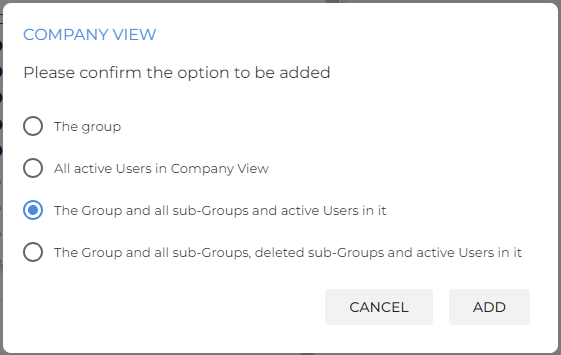
- If you’d like to do this for all users, the easiest method is to select your top level group and pick The Group and all sub-Groups and active users in it.
- Select the timeframe that you’d like to add the targets for. If all of your targets are weekly, then use the This Week time frame. Otherwise, select This Month or whichever time period is most valid for you.

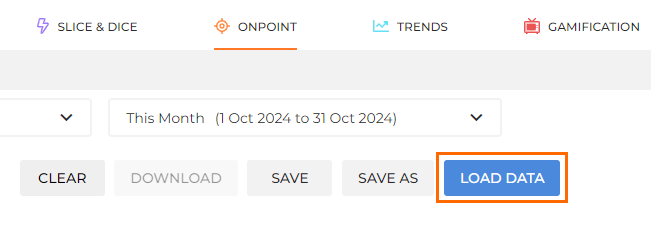
- Click the Load Data option on the right. This will load your user’s contributions and their targets.
- Click Display Group and Users Hierarchy to get a hierarchical view of groups' and users’ contributions.
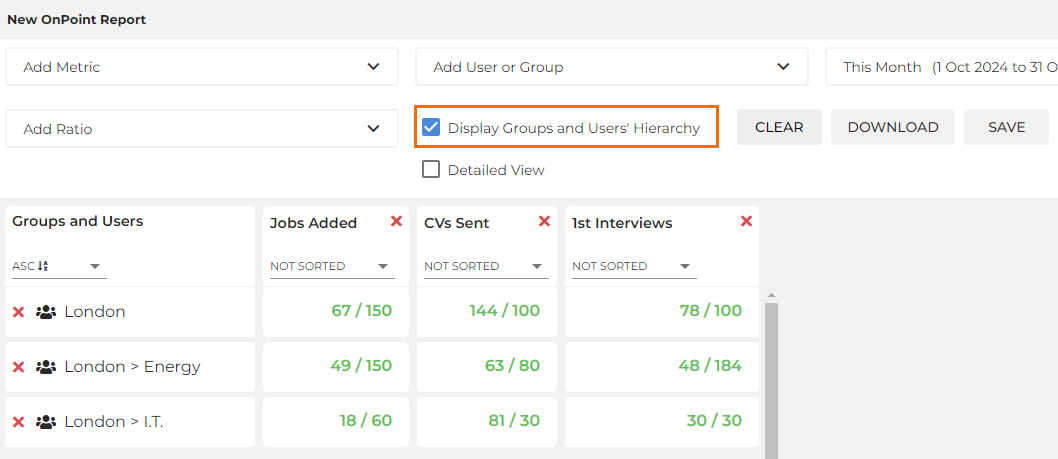
- Click the Download button to download the report.

- This will download an Excel report in a CSV format. From here, you can use this report to further format the data as you’d like.
Was this helpful?