| Edition: All Editions | Audience: Target Admin |
Set a Priority Target
A Target can be set as a priority. This will cause the target to appear at the top of the user / group’s Oneview page, and will display a dial with real time target information.
Non-priority targets will still be shown against the metric in the Metric Sections in OneView.
Steps
Follow the steps below to set an existing target as a priority. You can also set a priority target while adding a new target. See the following articles for more information:
- Go to Admin > Targets.
- Targets can also be accessed through the Target tab on the Metric.
- Under the View And Edit Current Targets section, select the metric from the drop-down.
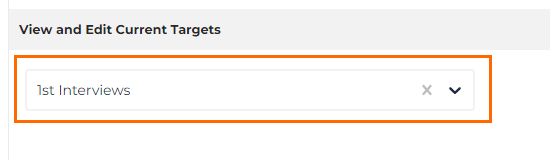
- Find the user / group you want to update a target for and click on Edit on the relevant row.
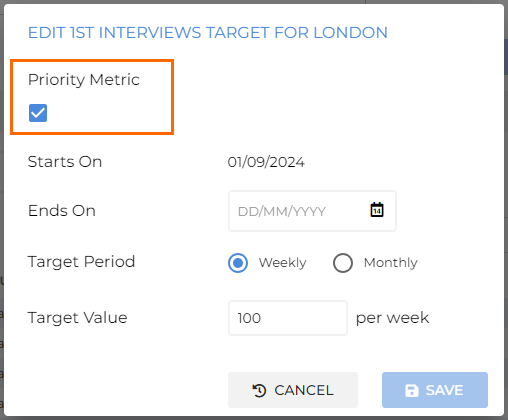
- Check the box for Make this target a priority.
Was this helpful?