| Edition: Enterprise & Corporate | Audience: Gamification Admin |
Troubleshoot a Missing Deal Flash for a Placement
Placements in Bullhorn can be set to play a deal flash in Gamification. Use this article to troubleshoot if the deal flash did not appear as expected for an existing Placement.
Causes and Troubleshooting Steps
TV Power
If the TV wasn't turned on at the time, it is unable to display the deal flash. You can reflash the deal manually by following the steps in Deal Flash Management.
TV Authentication
If the TV wasn't authenticated at the time, typically due to an inconsistent wireless network connection, it is unable to display the deal flash. This is a likely cause if the issue happens multiple times. Ensure you are using a reliable, wired connection.
User/Group Settings
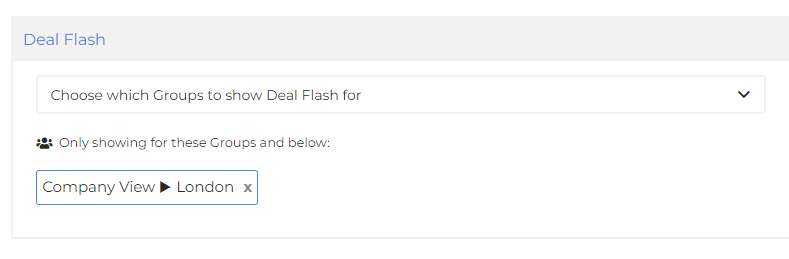
It’s possible that the Gamification channel has been set not to deal flash for a particular User/Group. Use these steps to check:
- Go to Admin > Gamification > Channels and select the relevant channel.
- Look in the Deal Flash section which will display what groups it will allow deal flashes for.
Was this helpful?