Create Employment Application
Use these instructions to create a pre-formatted Employee Application for the candidate from an Adapt Template.
- Select Create Employment Application from the Candidate Activities menu.
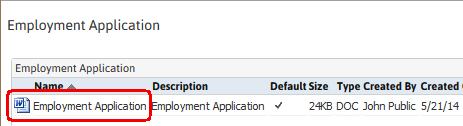
- The Employee Application document control window will open to display the Employment Application.
-
Double click on the document name to open, view and modify the document as needed.
-
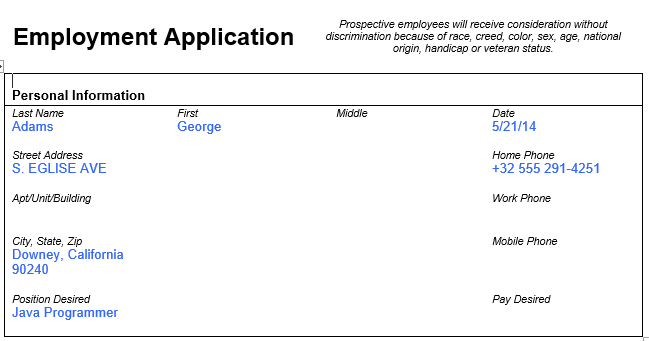
The application is populated with data from the Candidate’s Summary, Skills and Education, Experience and References segments; modify as necessary and close document.
-
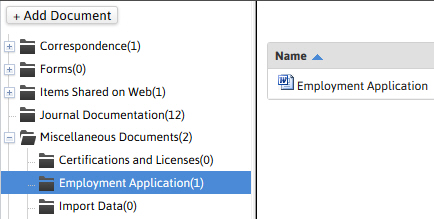
The updated document will be saved to the document library.
-
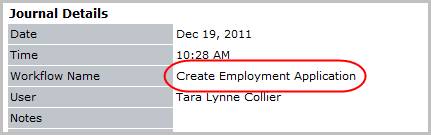
Verify the Create Employment Application entry posted to the journal.
Was this helpful?