Referral Chart
Use these instructions to view a graphical representation of all of the referrals the candidate has given.
- Select Referral Chart from the Candidate Activities menu.
-
The Referral Chart will open in a new window.
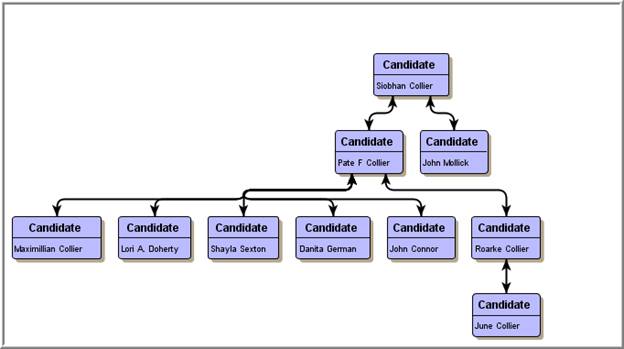
Referral Chart Controls
The control tool bar at the top of the window allows you to modify the look of the chart:

- Delete Selection – removes an entity from the chart
-
Type – changes the layout
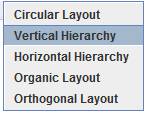
-
Style – tweaks the style chosen
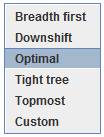
- Zoom In/Out – enlarges/shrinks the entire viewing area of the chart
-
Fit Selection /All – zooms in/out on a selected entity on the chart
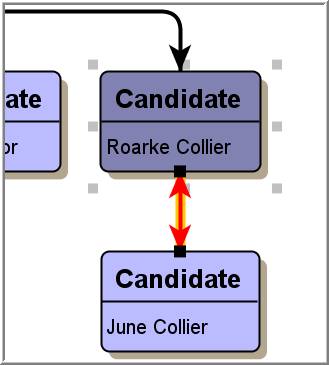
- Print – allows you to print the chart as it currently is in the window.
- Access Entity – double click on any entity in the org chart to open that record in Adapt.
Was this helpful?