Create Referral
Use these instructions to create a new candidate record with a source of referral from the current candidate. Once the workflow is complete the new candidate will display on the current candidate’s Referral Chart.
- Select Create Referral from the Candidate Activities menu.
- The Create a Referral workflow will open in a new window.
-
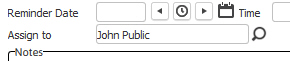
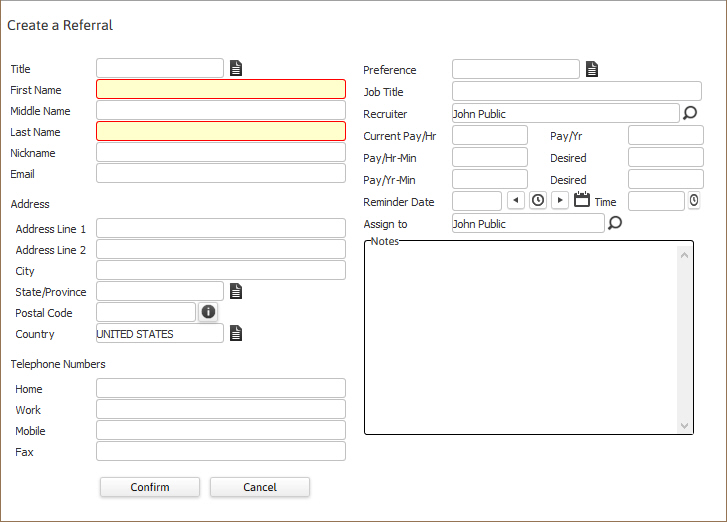
While updating the form notice that fields marked in red are required to complete the workflow; and that by clicking on the buttons to the right of certain fields, a new window will open, allowing you to search and select options related to that specific field, or choose a date.

-
Click Confirm to complete the workflow.

-
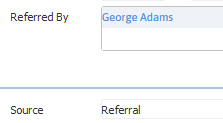
The screen will refresh to display the Summary segment of the new candidate record; scroll down the record to view the source of the record as Referral the current candidate listed in the Referred By list box.
-
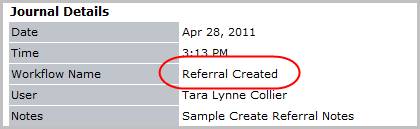
Verify the Referral Created entry and notes entered during the workflow are posted to the Journal.