| Edition: Enterprise | Audience: Actuals Admin |
Upload Placement Actuals Against No Specific Placement
This article outlines how to upload Placement Actuals for an individual, without specifying the Placement they are connected to. This is useful when you want to put historic totals per month / year for consultants, or upload figures that aren’t related directly to a Placement.
Steps
- Go to Admin > Actuals.
- Click the Blank Template CSV File button to download a template file to upload.
- Ensure the Placement CRM ID column is empty. Under the Optional Data column, input "noPlacement=true" (without quotes).

- Populate the rest of the columns as desired.
- Drag and drop this file into the Upload section of the Actuals Admin page.
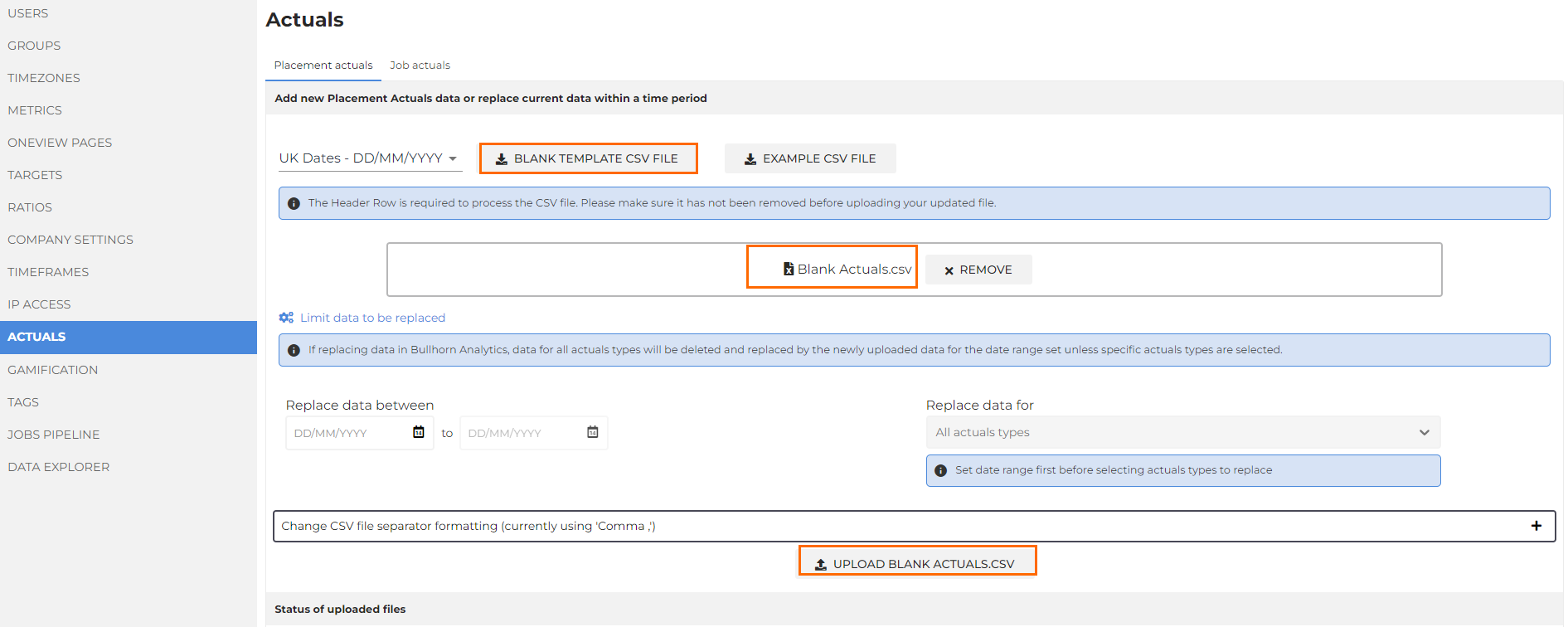
- Click the Upload button.
Was this helpful?