| Edition: Enterprise | Audience: All Users |
Dashboard Clickthrough Features - Leaderboard
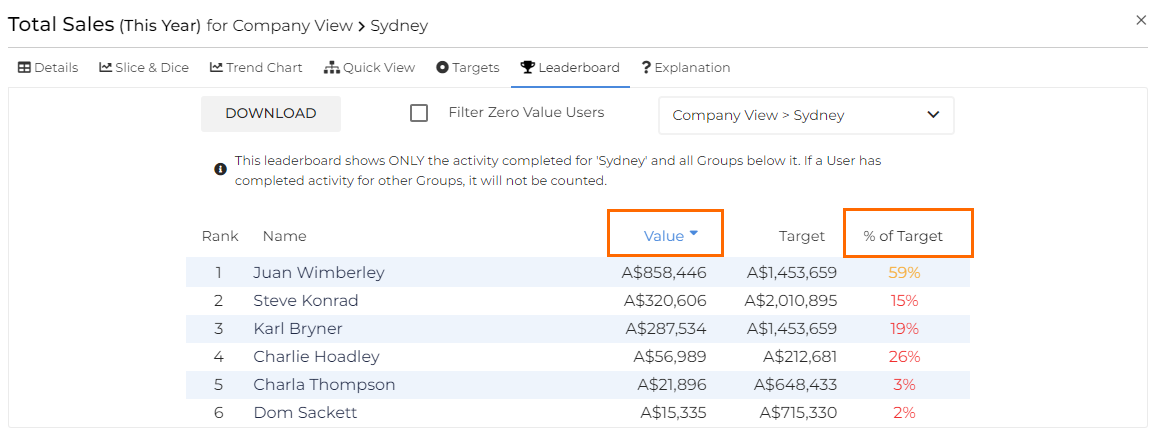
Leaderboard ranks performance over the selected metric and timeframe and can be filtered by either the total value or the percentage of target achieved.
Using Leaderboard
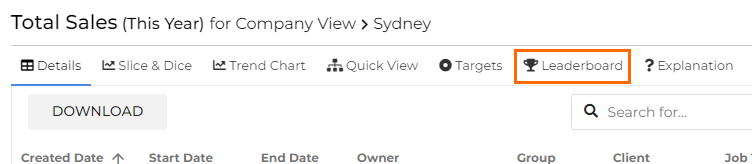
To access the the Leaderboard clickthrough feature, click into your desired Dashboard metric and select Leaderboard along the top of the clickthrough window.
If you have permission, clicking Download will download the report into a CSV file.
Leaderboard Clickthrough permission is set in Applying Core Permissions by a User Admin.
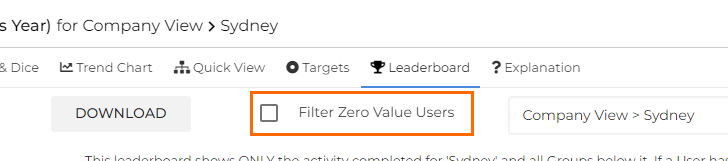
Select Filter Zero Value Users to filter out users with 0 value for the selected metric.
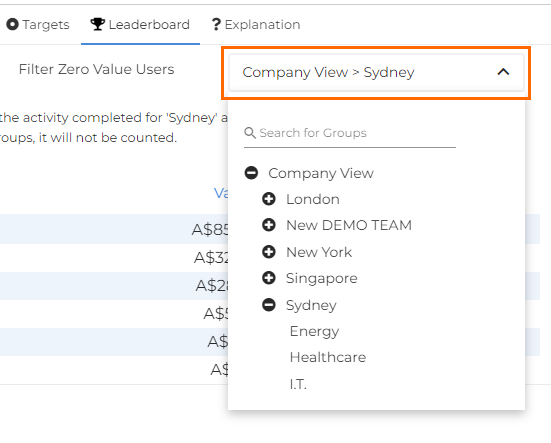
If you have permission, you can use the groups filter to view different parts of the hierarchy.
Click on a column header to sort the data by that column.