| Edition: Enterprise | Audience: All Users |
Dashboard Clickthrough Features - Quick View
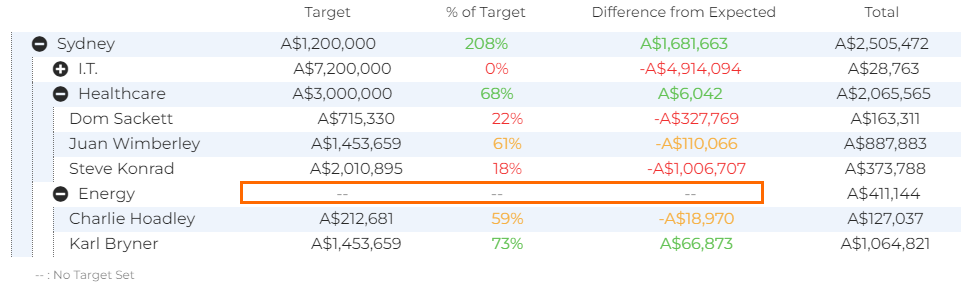
Quick View is an overview table that shows how well you and the group that you belong to is performing against target.
Over the selected timeframe, It displays the target, the percentage of target achieved, the difference from the expected amount, and a total. Quick View is very useful for comparing your performance against your peers and checking on the progress of your team overall.
Using Quick View
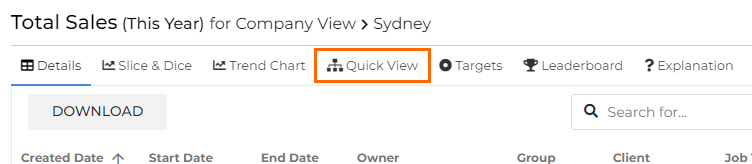
To access the Quick View clickthrough feature, click into your desired Dashboard metric and select Quick View along the top of the Clickthrough window.
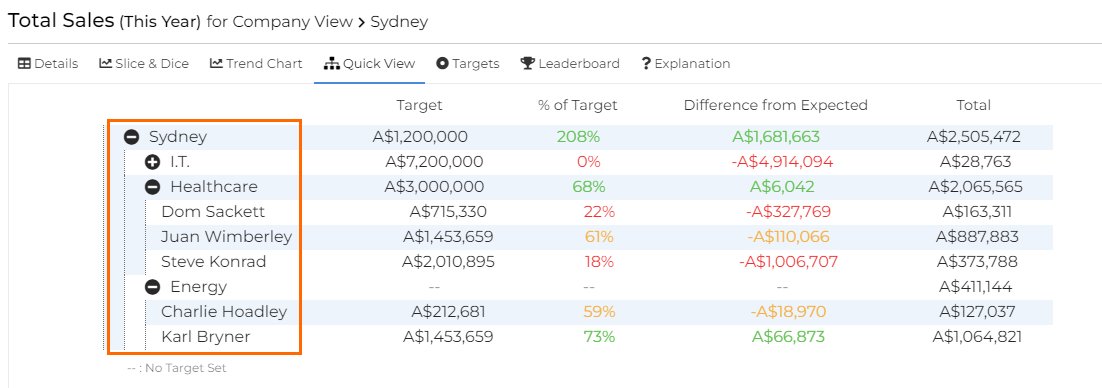
The level of hierarchy you can see in Quick View depends on your visibility permission and the level you were viewing before using the metric clickthrough.
Quickview Clickthrough permission is set in Applying Core Permissions by a User Admin.
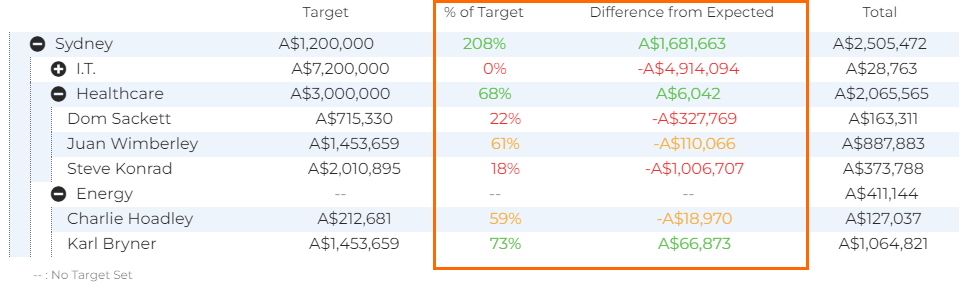
The colour-coding is the same as for Priority Metrics.
A double dash (--) indicates that no target has been set at that level.