| Edition:Growth, Corporate, Enterprise | Audience: User Admin |
Set a User as a OneView Super User
If you want to give a user the option to change the OneView page they are looking at, regardless of which user or group is being viewed, you will need to set them up as a OneView Super User.
Steps
- Navigate to Admin > Users.
- Select the user in question from the list.
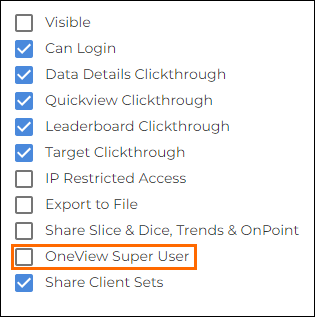
- Scroll down through their user permissions on the right of the page until you see OneView Super User, and check the box.
- The user will now have access to the following tabs on OneView pages, allowing them to swap between pages:
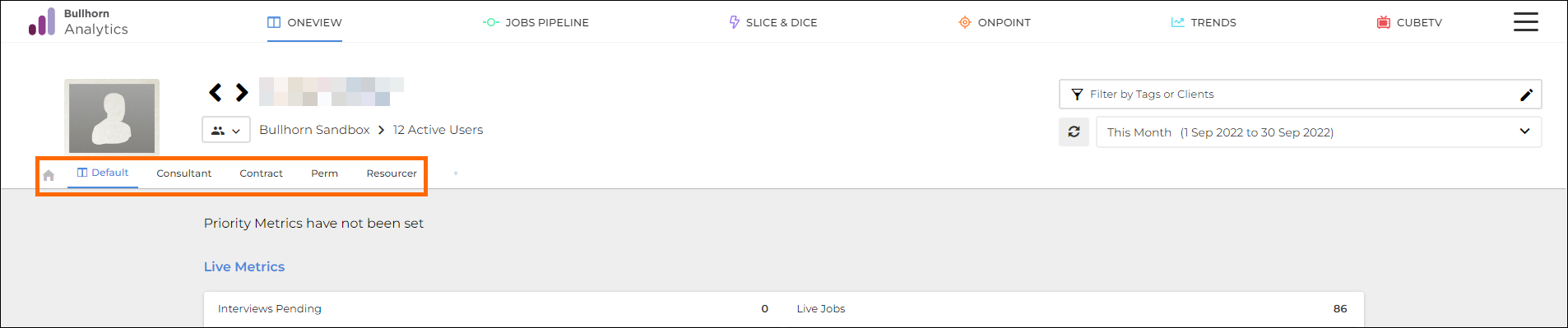
- The Home icon is the relevant OneView page set against that user / group.
Was this helpful?