| Edition: Enterprise | Audience: All Users |
Middle Office Dashboards
The Middle Office dashboards give you a set of prebuilt views for monitoring pay and bill activity, including gross margin and contributions reporting.
You'll only see this dashboard if you are a Bullhorn Middle Office customer with middle office data in your system. If either is missing, the dashboard doesn't appear in your Dashboards list.
To access these dashboards, select Open from the sidebar of the Dashboards module.
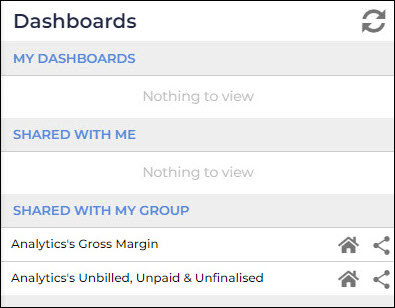
Unbilled, Unpaid, Unfinalized Dashboard
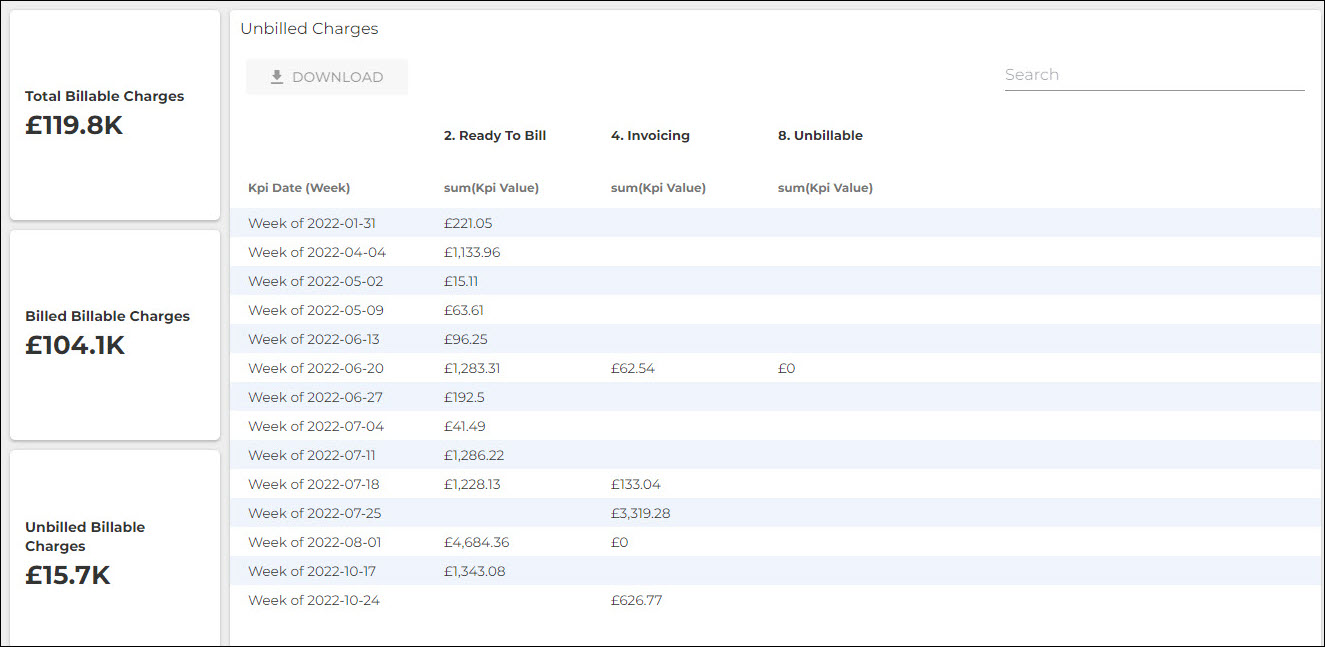
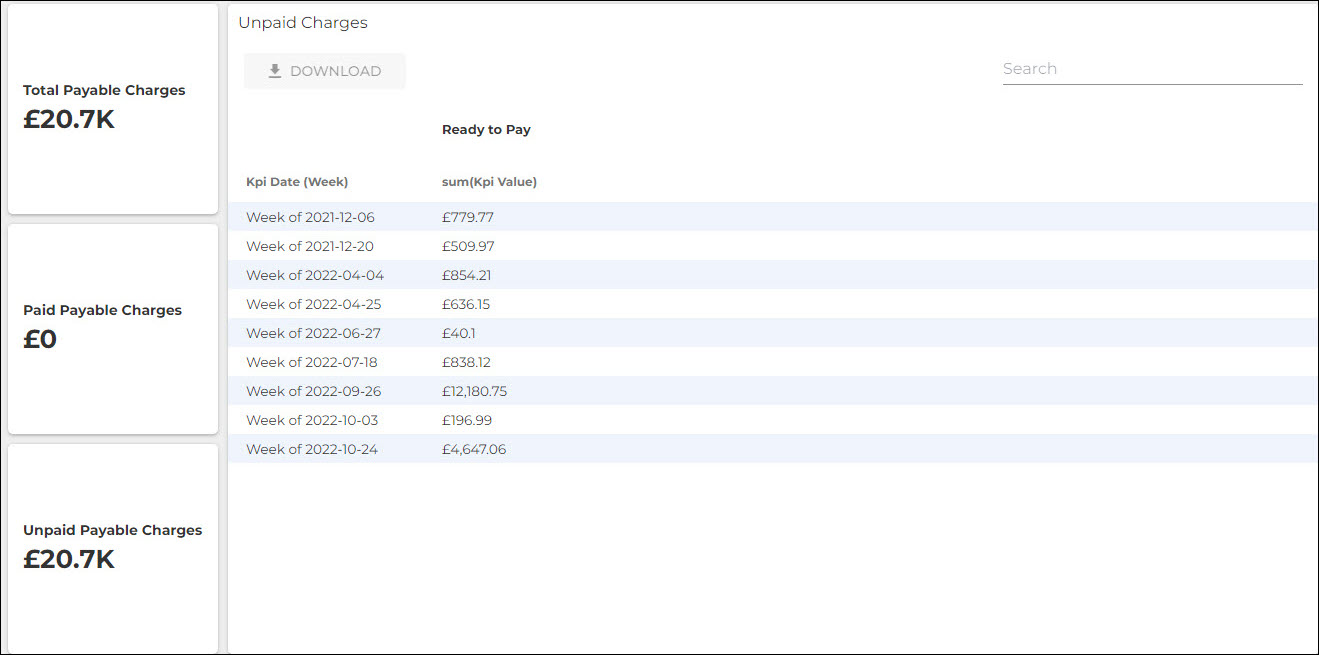
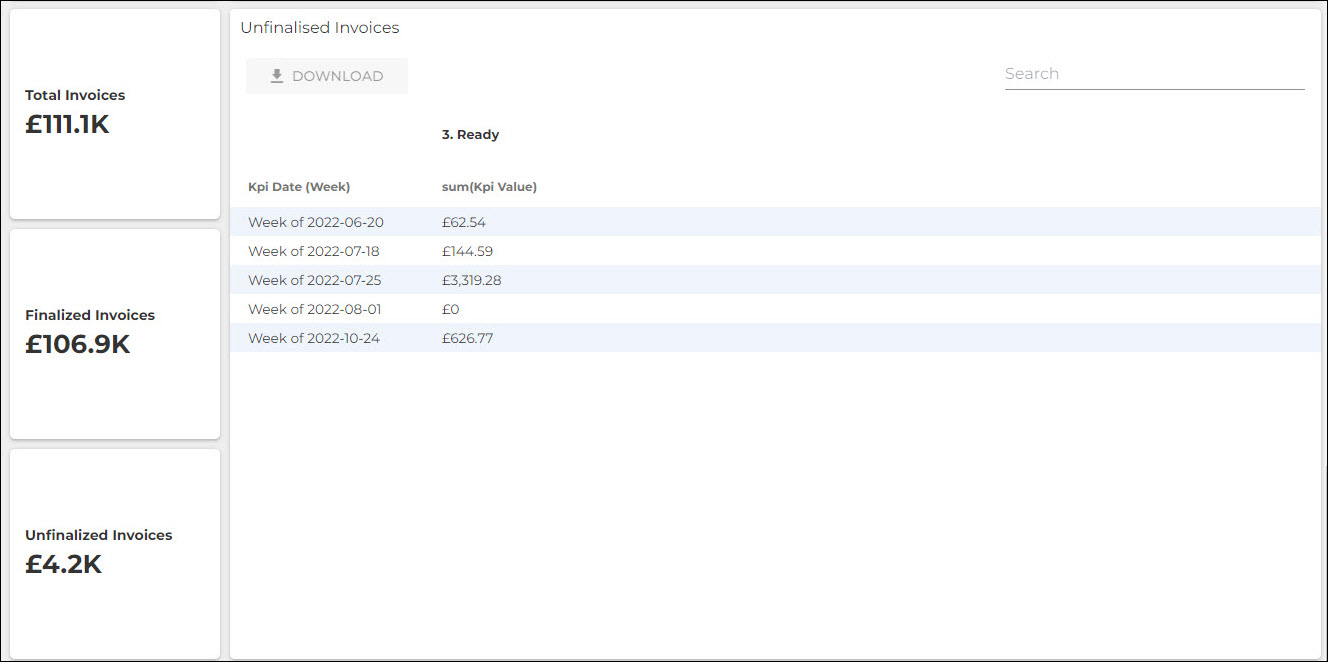
This dashboard contains pivot tables showing the following Middle Office metrics. Each table can be pivoted to explore your data from different angles
- Unbilled (Billable) Charges: Includes billable charges with a status of Ready to Bill or Unbillable.
- Unpaid (Payable) Charges: Includes payable charges without a status of Exported.
- Unfinalized Invoices: Includes invoices with a status of Ready.
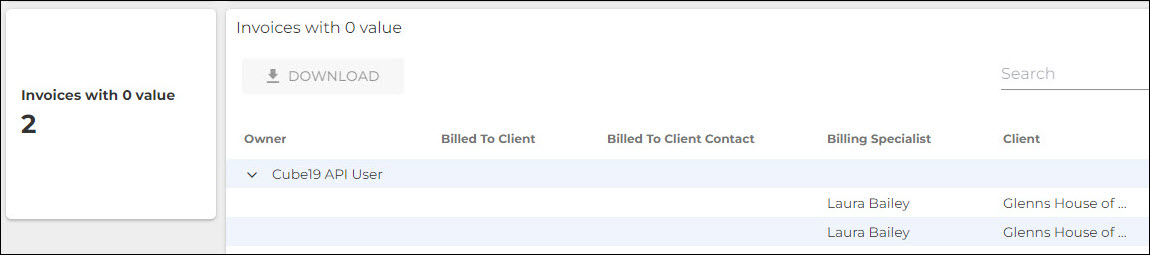
- Invoices with Zero Value: Includes invoices with a Total Amount equal to 0.
Gross Margin Dashboard
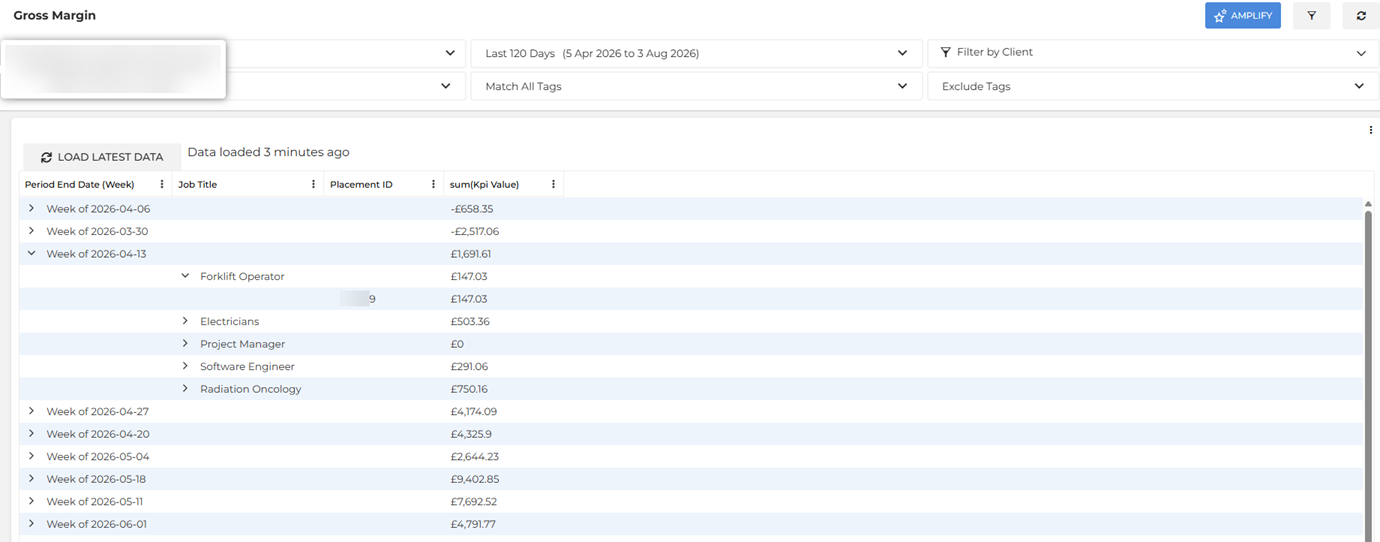
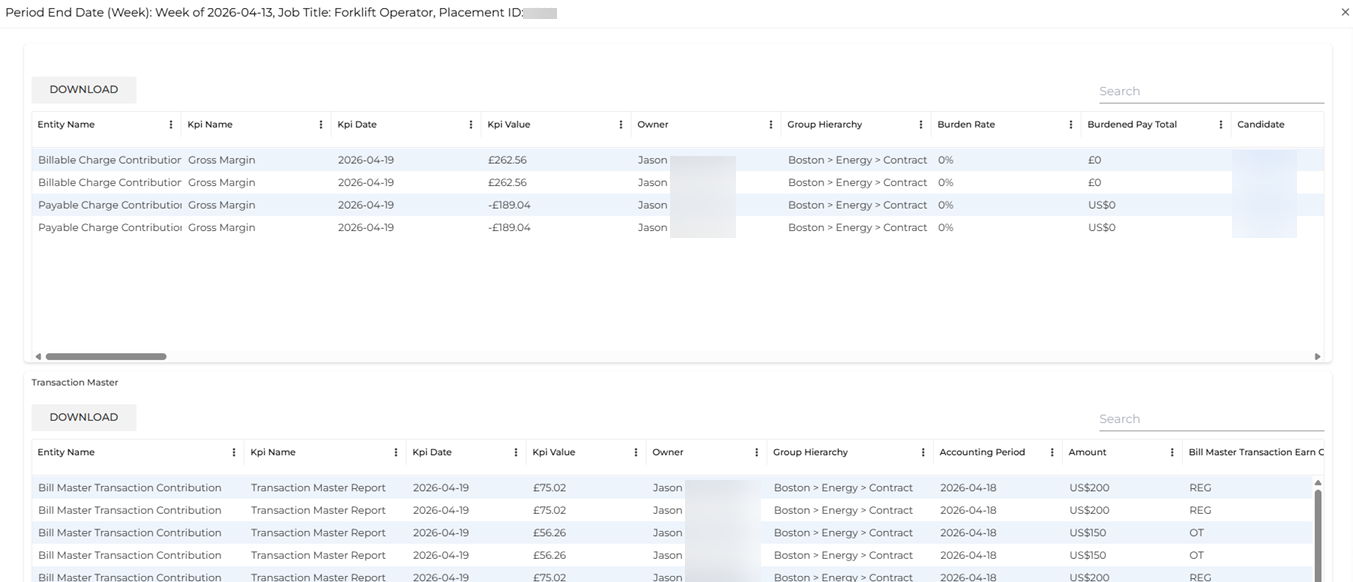
The Gross Margin Dashboard is a pivot table showing a gross margin report. This report can be configured during your Middle Office implementation to include or exclude burden rates or percentages, general ledger (GL) segments, or earn code sets. Contact your Bullhorn Analytics administrator if you need the report configuration adjusted.
To download this report to Excel, click the Download button.
Middle Office Metrics
For definitions of each metric and details on how the data is calculated, see Middle Office Metrics Dictionary.