October 2025 Release: Off-Limit Features & Enhancements
October 2025 (2025.10 GA Release - Package Version 9.21)
Include Portfolio Accounts in Off-Limits Policies
Off-limits policies can now include portfolio accounts, allowing for better account restriction management. A new button on the Off Limit policy modal provides access to a customizable Omnitable for selecting these accounts.
Configuration
Pre-condition: object with two lookup fields to Account.
- Create a field set on the object (will be used in omnitable to display related accounts).
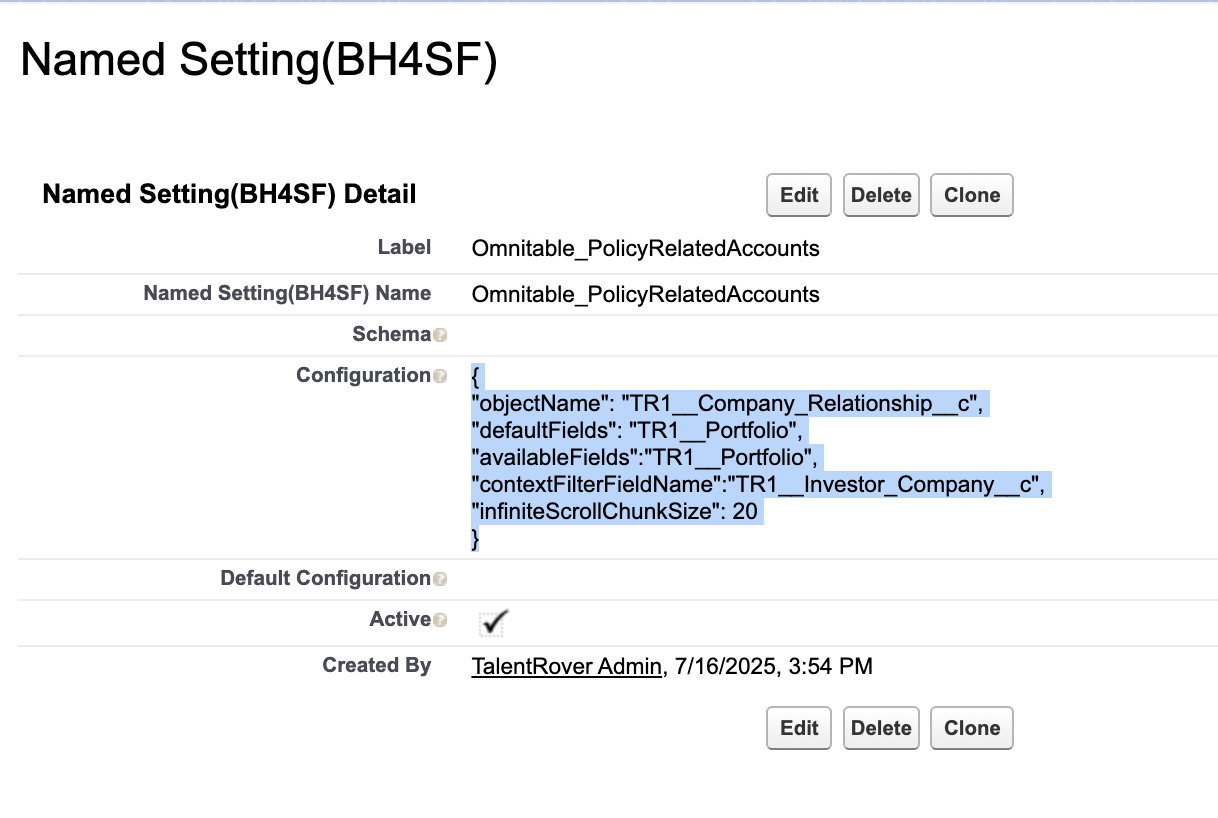
- Create a new config for omnitable in the Named_Setting__mdt custom metadata with the name 'Omnitable_PolicyRelatedAccounts', e.g.:
where:
- "objectName" - The API Name of the salesforce sObject this table will be displaying;
- "defaultFields" - The name of a field set, found on the above sObject, containing the fields to display on this table;
- "availableFields" - The name of a field set, found on the sObject, containing the fields that the user can choose to display. If null then the default fields field set is used instead;
- "contextFilterFieldName" - API name of the lookup field(Account) to filter records from custom object (Account for which policy is initially created);
- "infiniteScrollChunkSize" - How many additional records should be loaded each time the user scrolls to the bottom of the table.
- Populate Related Account Field API Name Executive Search custom setting with API name of the lookup field(Account) that defines an account that will be displayed in the table can be included in an account policy.
Enhanced Management of Subsidiary Accounts on Off-Limit Policies
The user experience for managing subsidiary accounts within Off-Limit Policies has been significantly improved.
Users can now click the Add Child or Add Subsidiary button to launch a new interactive table displaying accounts not already included in the policy. From this table, accounts can be easily added using a Select action.
The new table provides advanced data management capabilities, including:
- Column sorting for easier navigation
- Search functionality to quickly locate accounts by name
- Filtering options by fields such as account name, type, status, and more
In addition, selected accounts now appear alphabetically sorted as pills, and can be removed by simply clicking the X icon on the corresponding pill.
These enhancements offer a faster, clearer, and more intuitive way to manage account relationships in Off-Limit Policies.
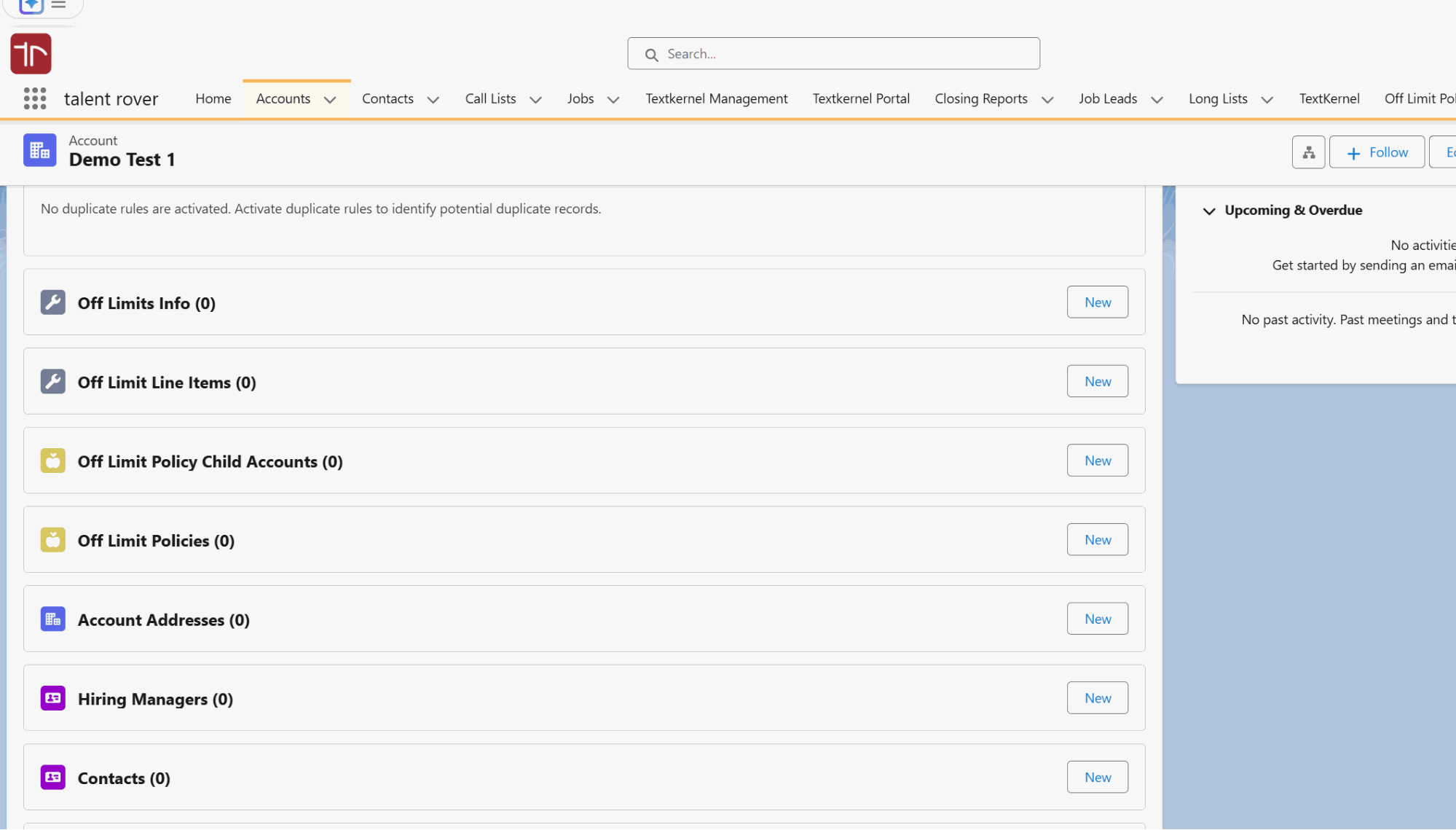
Configuration
Changes to this omnitable can be completed in the following location:
Setup > MetaData > Named Settings > Omnitable_PolicyChildAccounts.