October 2025 Release: Resume Manager Features & Enhancements
October 2025 (2025.10 GA Release - Package Version 9.21)
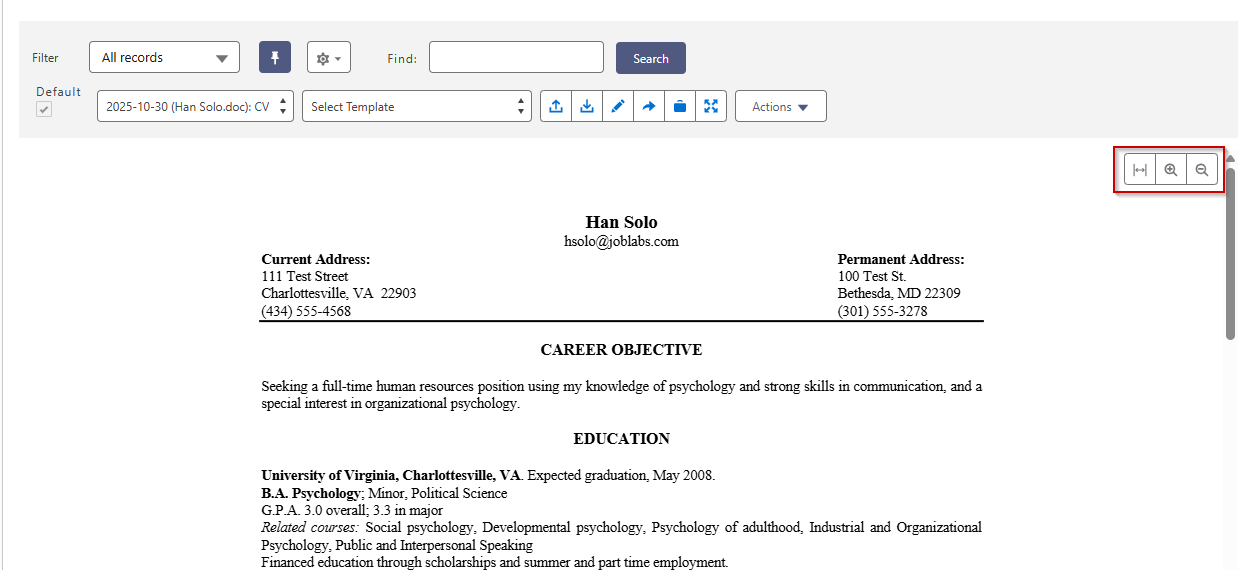
Dynamic Resizing of Resume
In the Resume Manager, we improved the viewing experience for resumes and documents on smaller screens.
Previously, users viewing resumes in the previewer on smaller screens had to use horizontal scroll bars to see the full content, which created a poor user experience when trying to review candidate documents.
The resume previewer now automatically detects the available viewport width and scales documents to fit without requiring horizontal scrolling. New Zoom In, Zoom Out, and Fit Width buttons provide floating controls with transparency, allowing users to examine specific details when needed while maintaining the document's aspect ratio. When users manually zoom beyond the viewport boundaries, scroll bars enable navigation while maintaining the selected zoom level.
Resume Previewer Lightning Web Component
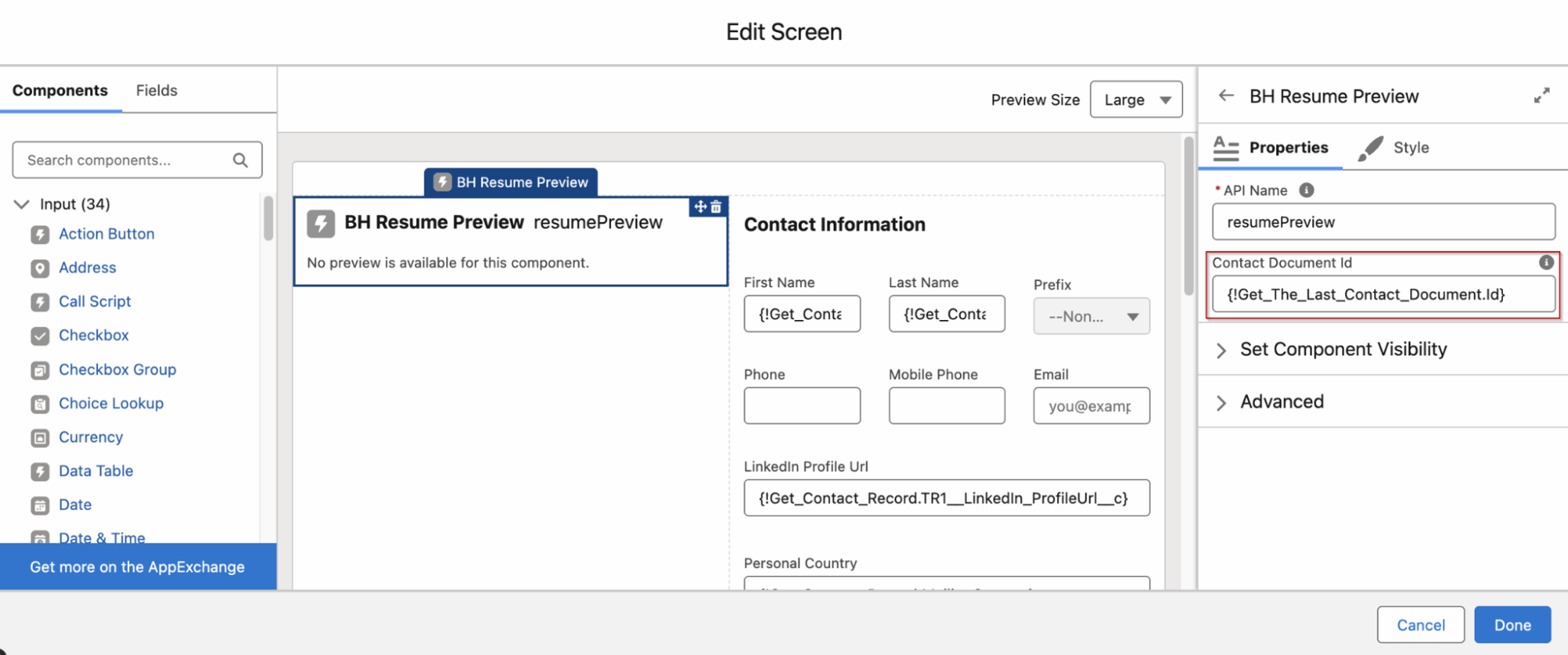
We introduced a new bhResumePreview LWC component that enables resume and document previewing within Salesforce flows.
The new component accepts a Contact Document ID as an input variable and displays the associated resume or document file. This LWC component is designed for use in flow-based workflows, allowing administrators to build custom candidate data management processes that include document preview capabilities.
The component provides a streamlined viewing experience without action buttons, focusing purely on document display within the flow interface.