| Edition: All Editions | Audience: All Users |
Targetable and Non-Targetable Metrics
The majority of metrics are targetable which means that a target can be applied based on either the volume of activity over a period of time (weekly or monthly) or a financial value over a period of time (weekly or monthly).
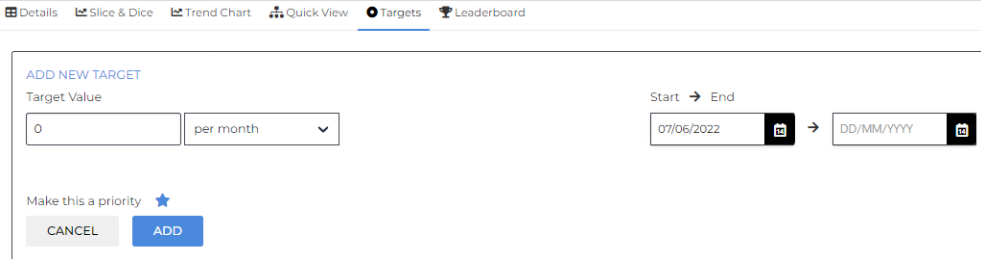
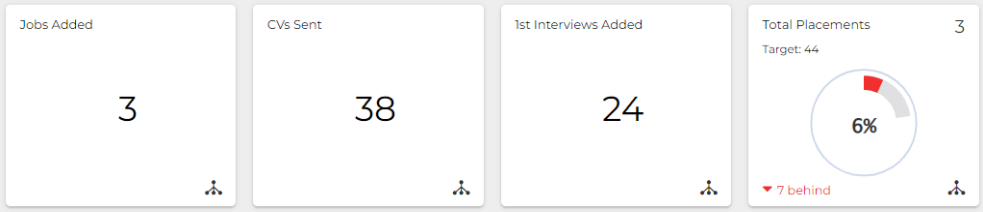
Some metrics are targetable, but if the desired target value of this metric is 0 / as close to 0 as possible, then a 0 Value Target should be applied if you wish to visualise it as a Priority Metric. This will not track the metric’s progress toward 0, but will allow for it to be displayed in OneView as a Priority Metric.
0 Value Target Setup:
0 Value Targets vs Standard Targets:
Live metrics such as Live Jobs / Live Vacancies or Pending Interviews are point-in-time metrics (always showing the current value, regardless of the timeframe) and do not support the application of targets.
This will display on the Targets tab if Targets are not supported:

Whether a metric is targetable or not is indicated in the Definitions tables in the Metrics Dictionary.